1) Open your endpoint
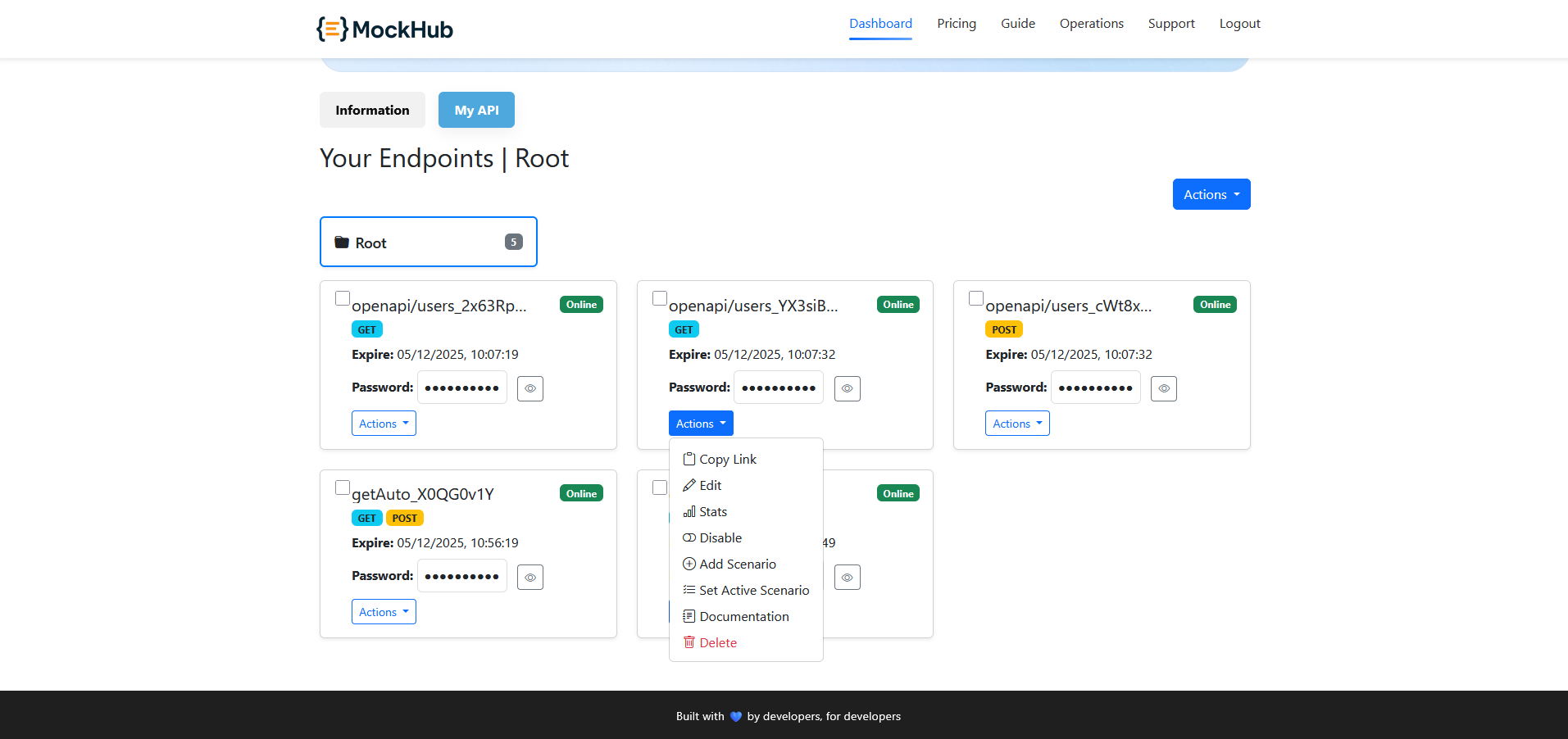
From the dashboard, select the endpoint that has multiple scenarios attached.
2) Set Active Scenario
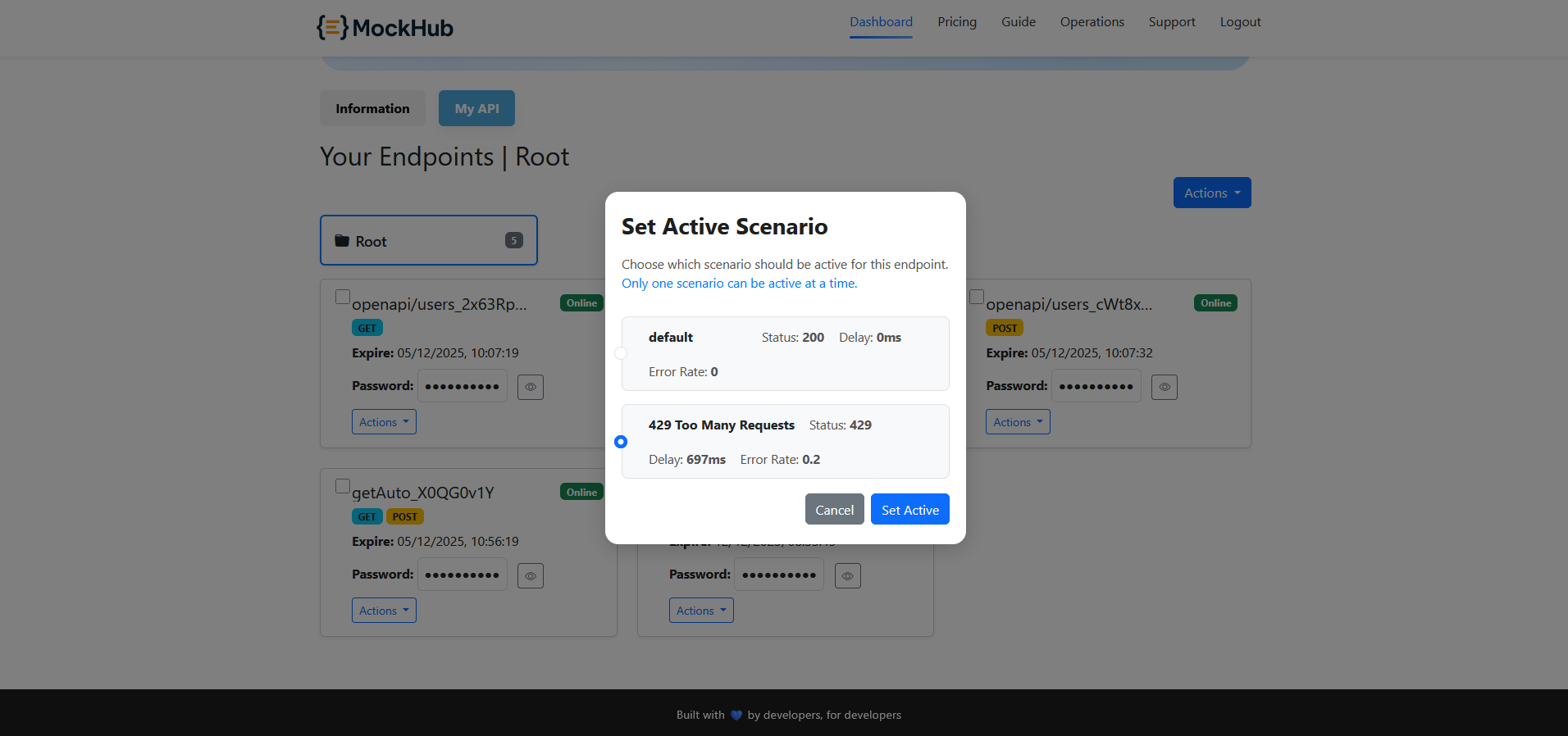
From Actions → Set Active Scenario, choose which scenario should be active. Only one can be active at a time.
Tip: Keep a default 200/0ms scenario and a throttling or outage scenario (e.g., 429/503 with delay and error rate) to test retries and backoff.
3) Confirm and test
Click Set Active. Calls to the endpoint now respect the selected scenario’s status, delay and error rate.
Next:
Mock API Guide