1) Open Generate with AI
Go to Generate with AI. Fill the form to let AI propose a JSON response for a new mock API.
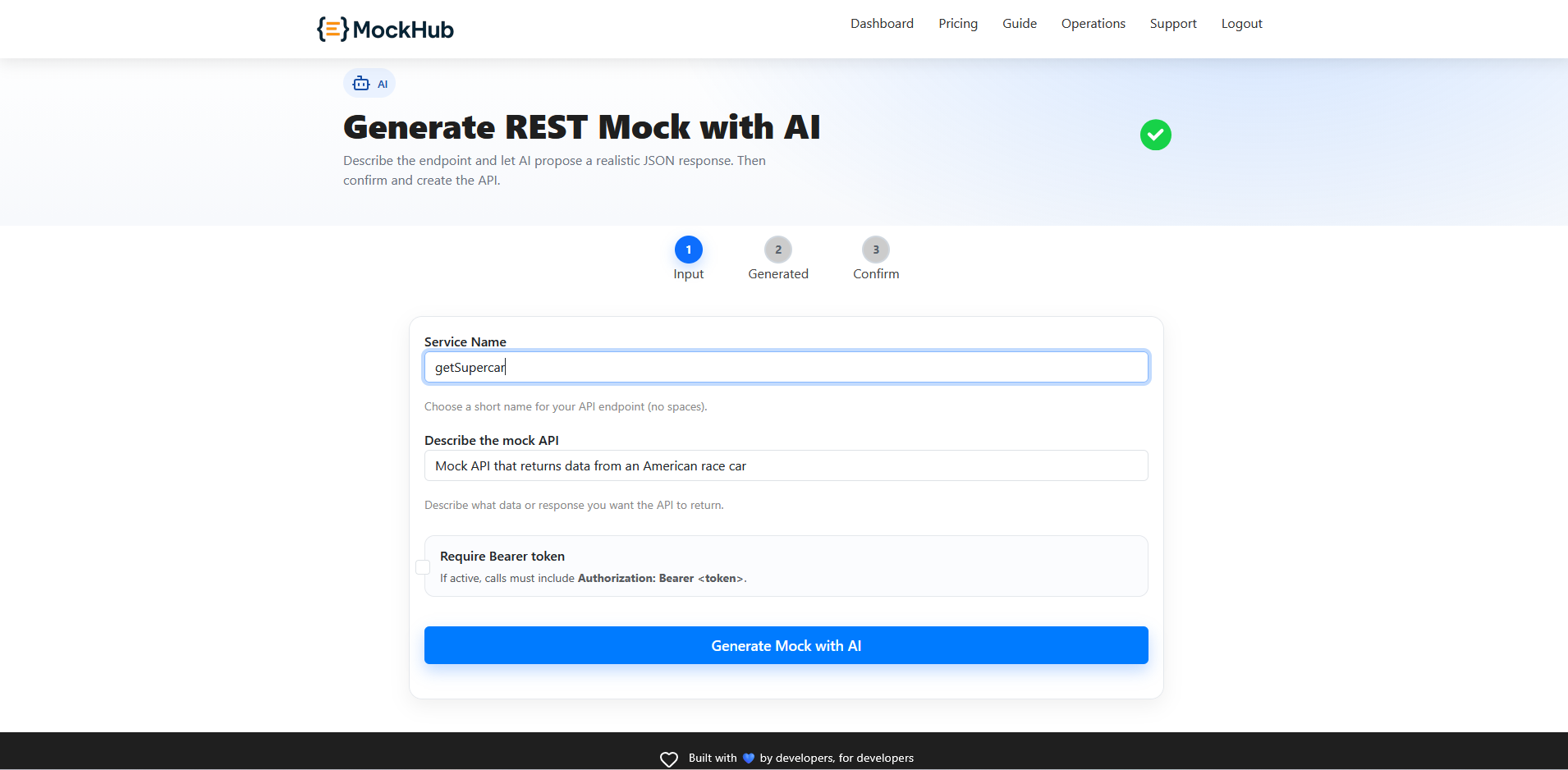
- API Name: short label used for your mock.
- Description for AI: describe fields and structure (e.g., “users list with id:number, name:string, email:string”).
- Protected with Bearer (optional): enable if you want
Authorization: Bearer <token>required.
2) Review the generated body
Click Generate. The AI proposes a JSON body you can edit before creating the endpoint.
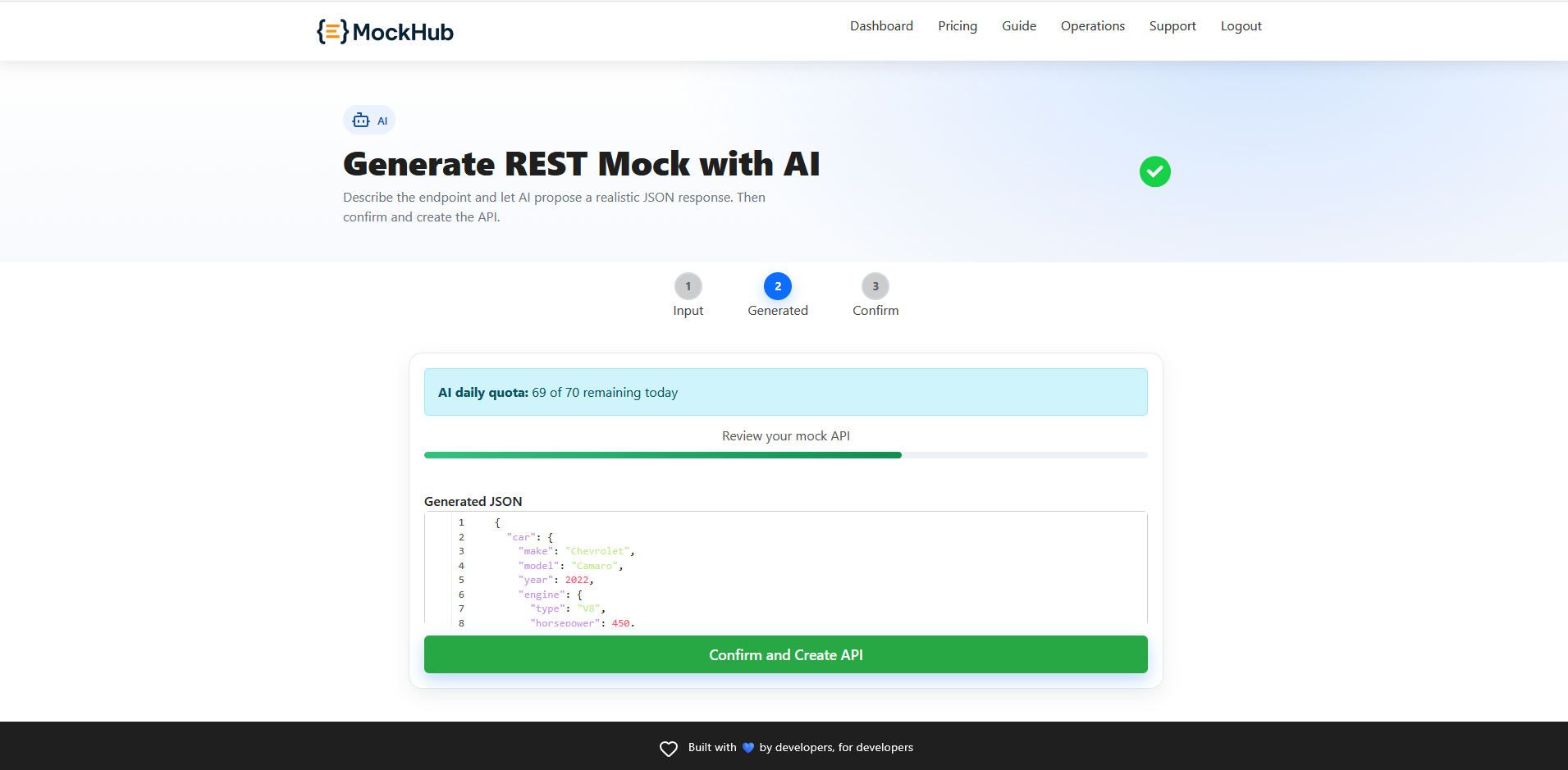
Tip: Keep arrays small, use realistic sample values, and consider adding
{{uuid}} or {{timestamp}} placeholders later with scenarios.3) Create the mock
Proceed to create the endpoint. You’ll get the URL (and token if protected). Test it from your app or the Request Tester.
About AI access
The AI generator uses a server-side endpoint (/generate-api-mock) and may be premium-only. If not available on your plan, you’ll see an upgrade notice.
Next:
Mock API Guide